Making complex AI automation workflows configurable
DeepSee helps financial institutions automate complex, document-heavy operations across the front, middle, and back office, including processes like loan processing and trade reconciliation.
I worked on a second design engagement focused on defining key configuration journeys, helping users build and manage sophisticated automated workflows while maintaining visibility, control, and human oversight.
- Role
- Product Designer
- Duration
- 3 weeks
- Team
- Team of 3
Challenge
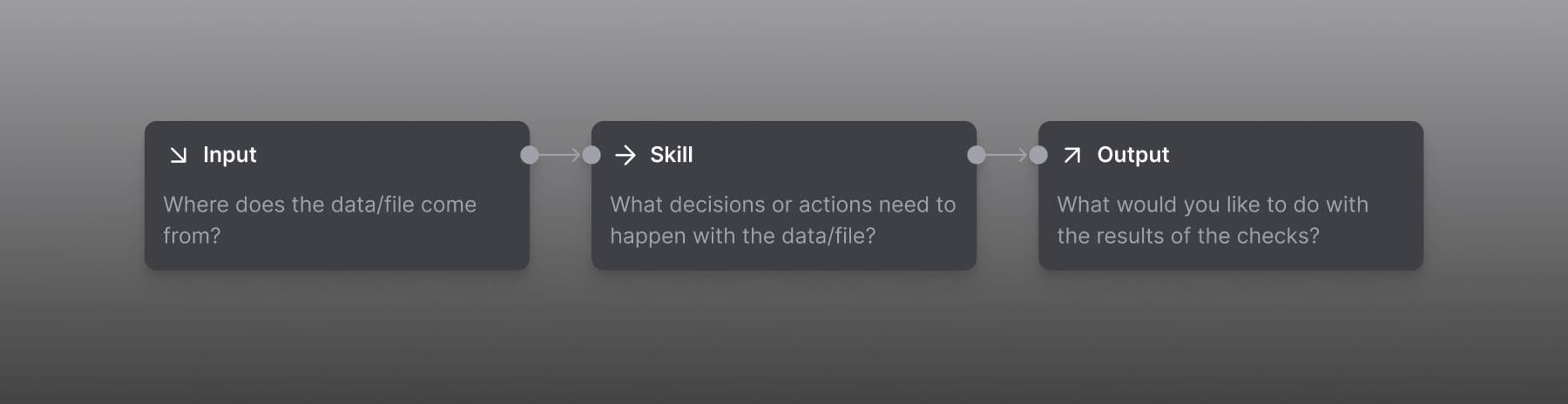
DeepSee's platform could automate complex operational processes, but configuring those processes required users to understand and manage sophisticated logic across multiple steps.
At DeepSee, product experts frequently found themselves having to establish agentic workflows for clients instead of supporting their own use of the product. The challenge was to make these workflows powerful enough for complex banking operations without making them difficult to understand, configure, or monitor.
The core design question became: How do you make complex automation configurable without making it feel like a black box?
Designing configurable automation
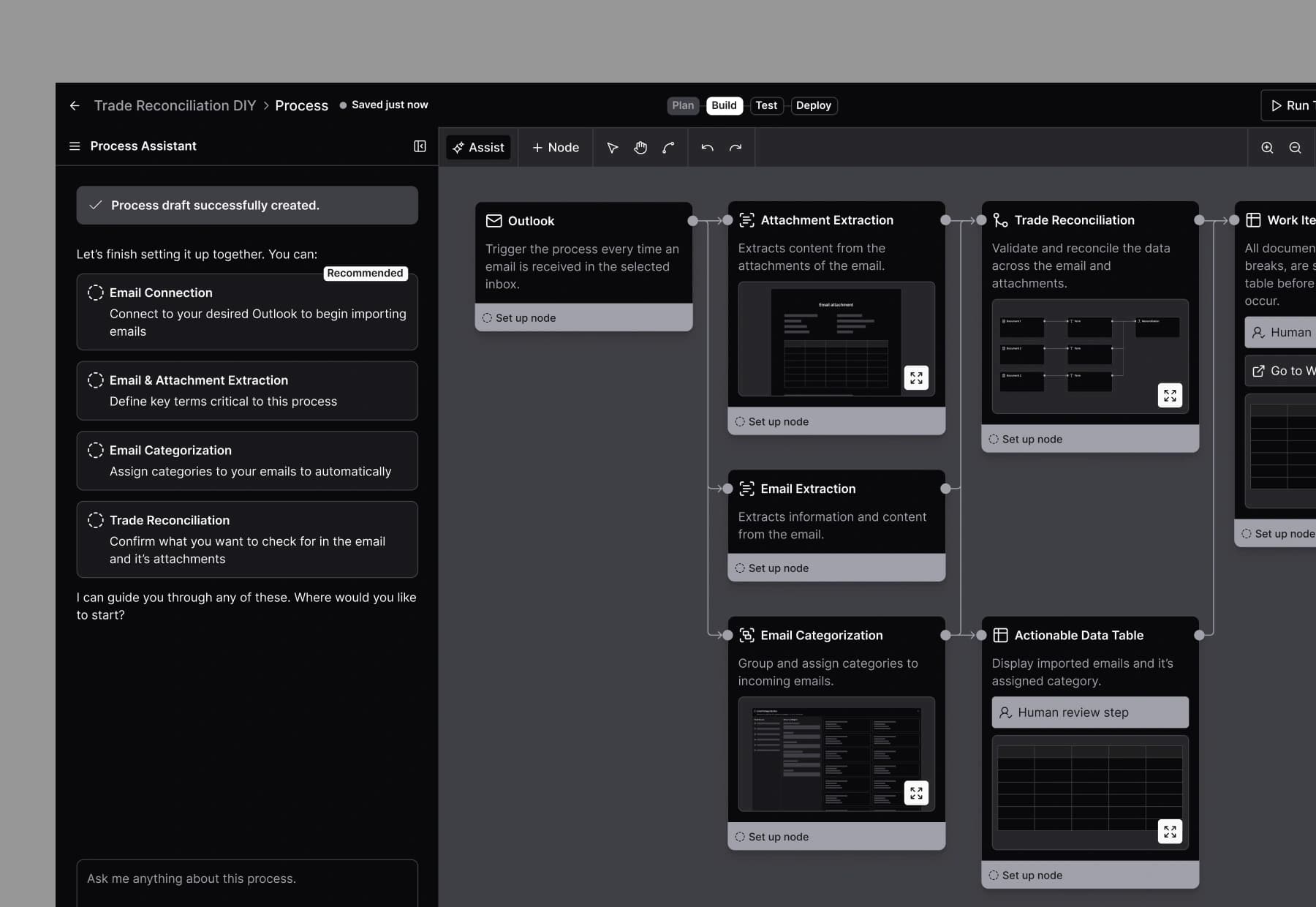
I worked from the workflows and requirements established during discovery to define the experience for key configuration options: agentic reconciliation and email inbox review. I mapped the workflows and translated complex operational requirements into clearer user journeys, focusing on how users would utilize an AI automated set up process, review the configuration, modify if needed, and monitor the output.
The goal was to give users a clear mental model of the automation rather than hiding complexity behind a single automated action.
Making complex workflows understandable
A major focus of the work was breaking down sophisticated processes into understandable steps that users could configure and reason about. I created workflow diagrams and wireframes to explore the structure, sequencing, and interactions within each journey. This helped establish how automated actions, decision points, and human review could work together within a single experience.
Rather than treating automation as something that happens behind the scenes, the experience made the workflow itself visible and understandable. Because these workflows were being used for operationally important financial processes, automation couldn't come at the expense of transparency or control. The design needed to make it clear where the system was making decisions, what information those decisions were based on, and where users could review or intervene. This created a flow where automation could handle complex set up while users remained able to modify the workflow.
Outcome
The work established the interaction model and key configuration flows for DeepSee's next phase of product development, giving the team a clearer foundation for how users create, configure, review, and manage sophisticated automated processes.