Designing an AI-native presentation system with Claude
Every company knows the scramble. It's the day a deck is due, and someone is nudging text boxes by three pixels to make a slide look "less crowded." Someone else is hunting through old decks for the right diagram or quietly replacing rogue fonts, colors, and gradients. The narrative you're presenting needs to be strong. It shouldn't have to fight the deck to get there.
Generic AI presentation tools promised to fix this, but they introduced a new problem. They can create slides quickly, but they're not on brand.
This isn't really a presentation problem. It's a systems problem.
- Role
- Product Designer
- Duration
- Ongoing
- Team
- Solo
Challenge
About a year ago, MojoTech partnered with an enterprise company to explore whether AI could generate presentations that were actually on brand. It wasn't a simple experiment. Designers, engineers, and AI specialists worked together to build a system capable of producing coherent presentations while respecting brand standards. I learned a lot from that project—not just about presentation generation, but about the limitations of AI at the time.
Fast forward a year, and the landscape looks completely different.
Advances in reasoning models, AI-assisted coding, structured data, MCP integrations, and tools like Claude Design have dramatically changed what's possible. Problems that once required an entire cross-functional team can now be tackled by a single designer equipped with the right tools.
That shift is bigger than productivity. It's leverage. AI isn't just helping designers work faster—it's expanding the kinds of problems I can solve. That realization led to MojoDeck.
Designing the system, not the slide
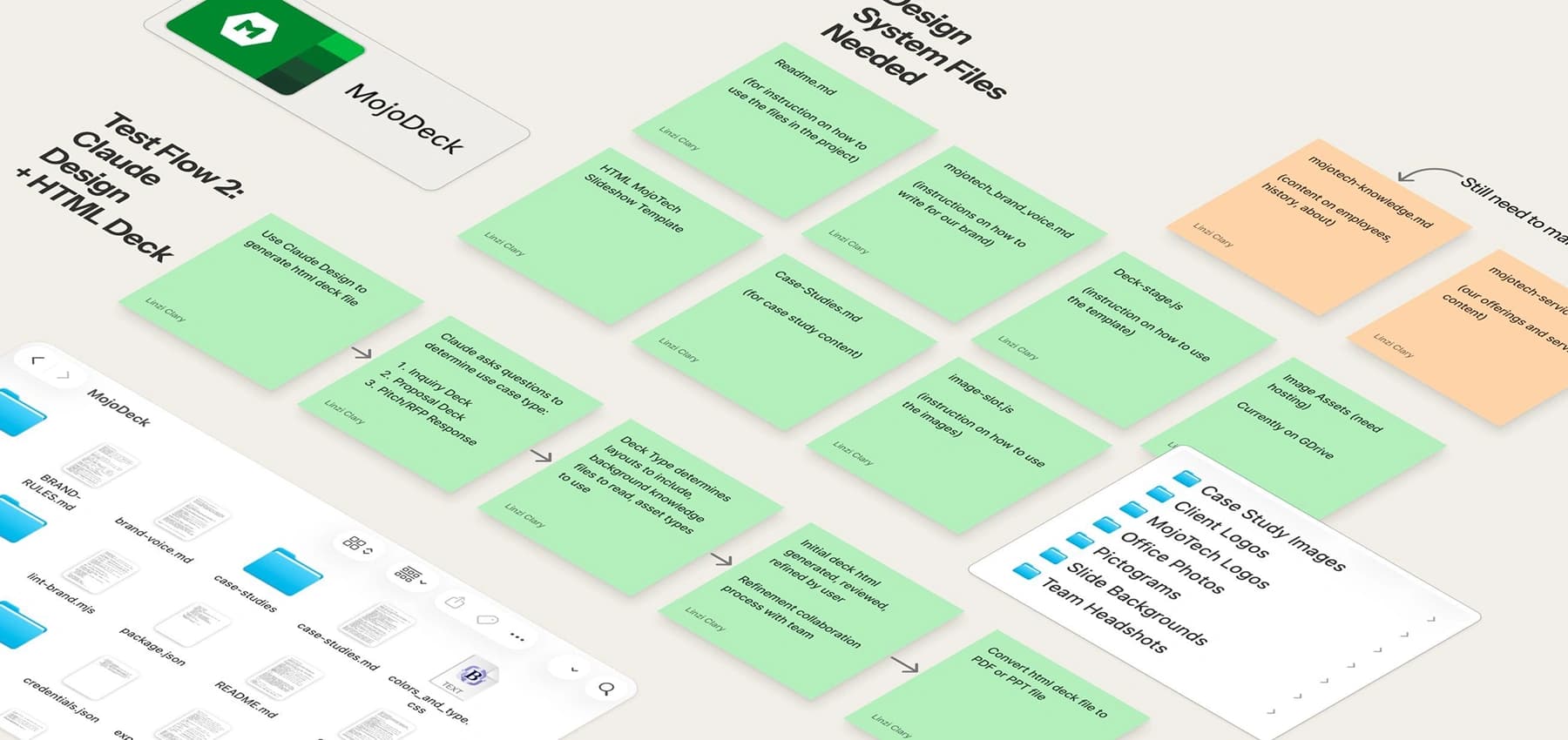
Instead of asking AI to generate slides, I taught it how I design slides.
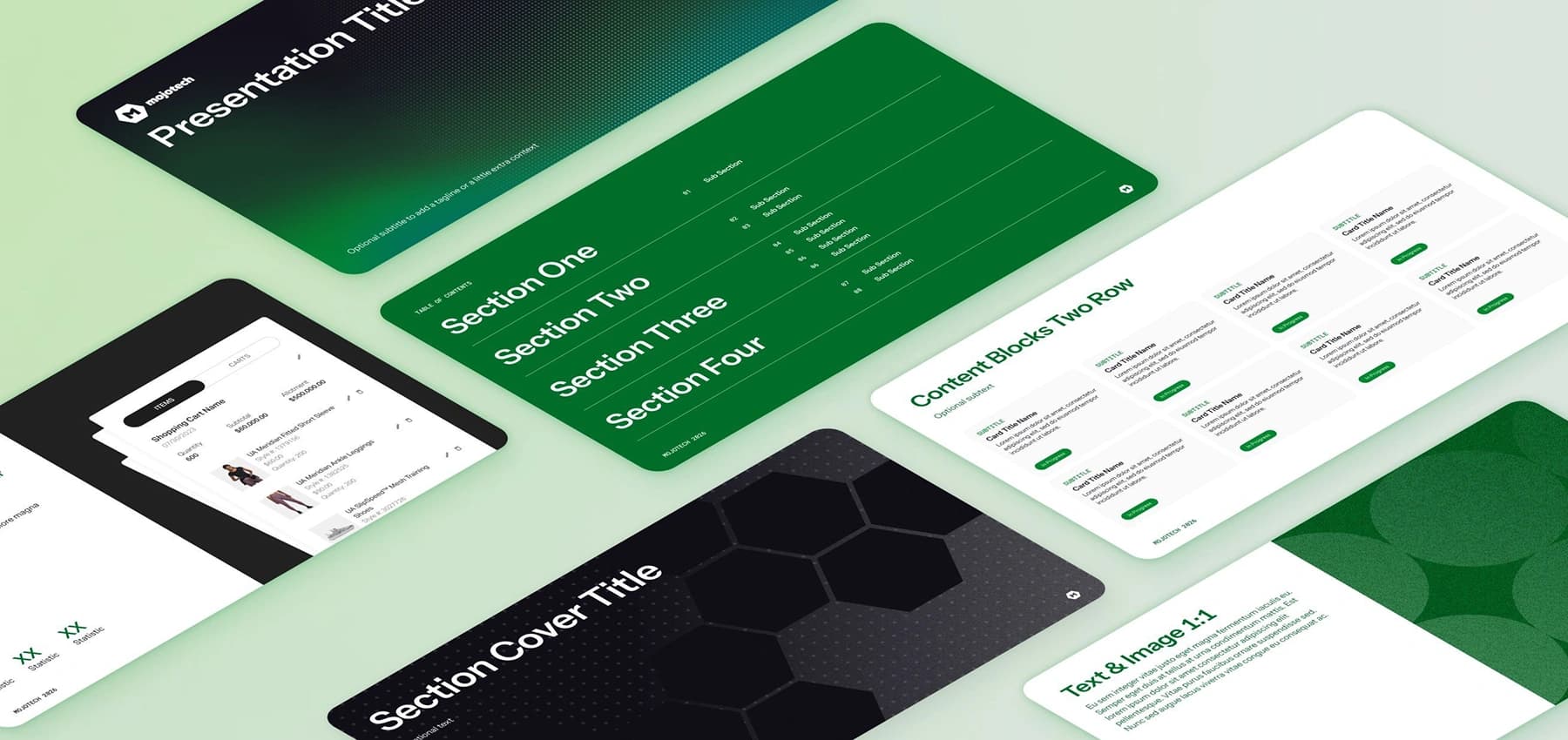
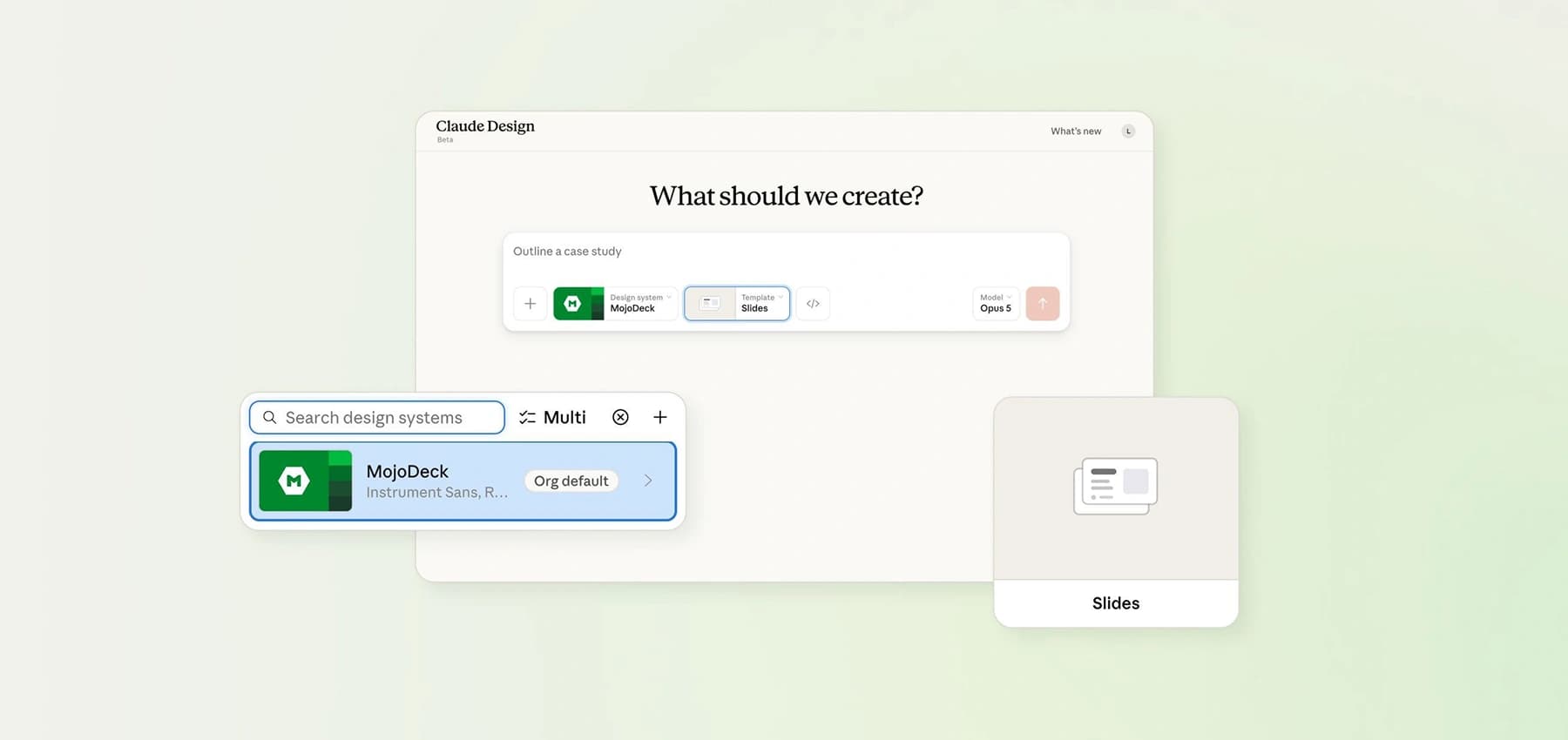
MojoDeck is an AI-native presentation system built in Claude Design and grounded in MojoTech's design language. Rather than relying on static templates, it uses structured layouts, reusable content regions, and built-in constraints that guide AI toward consistent, on-brand results. Mojo Green, MojoTech's typography, and its layout language aren't revisions a designer cleans up later—they're built into the system from the start.
The system also establishes a shared knowledge baseline. Design standards, case study context, company history, and sales strategy are all embedded directly into the project, helping non-designers create presentations with greater confidence and consistency. Rather than immediately generating slides, the AI can ask follow-up questions to fill in gaps before building the deck. That small shift dramatically improves the quality of the first draft, moving teams from creation to refinement in just a handful of prompts.
Like any good product, it wasn't designed once and considered finished. It was tested internally, refined through real client work, and continues to evolve alongside my workflow.
Better collaboration, not just faster decks
The biggest benefit hasn't been producing decks faster. It's changing where people spend their time. Time is just as valuable as tokens.
When AI handles the right repetitive work—assembling layouts, maintaining consistency, and applying brand standards—teams spend less time fixing slides and more time strengthening the story they want to tell. Conversations shift away from formatting and toward ideas.
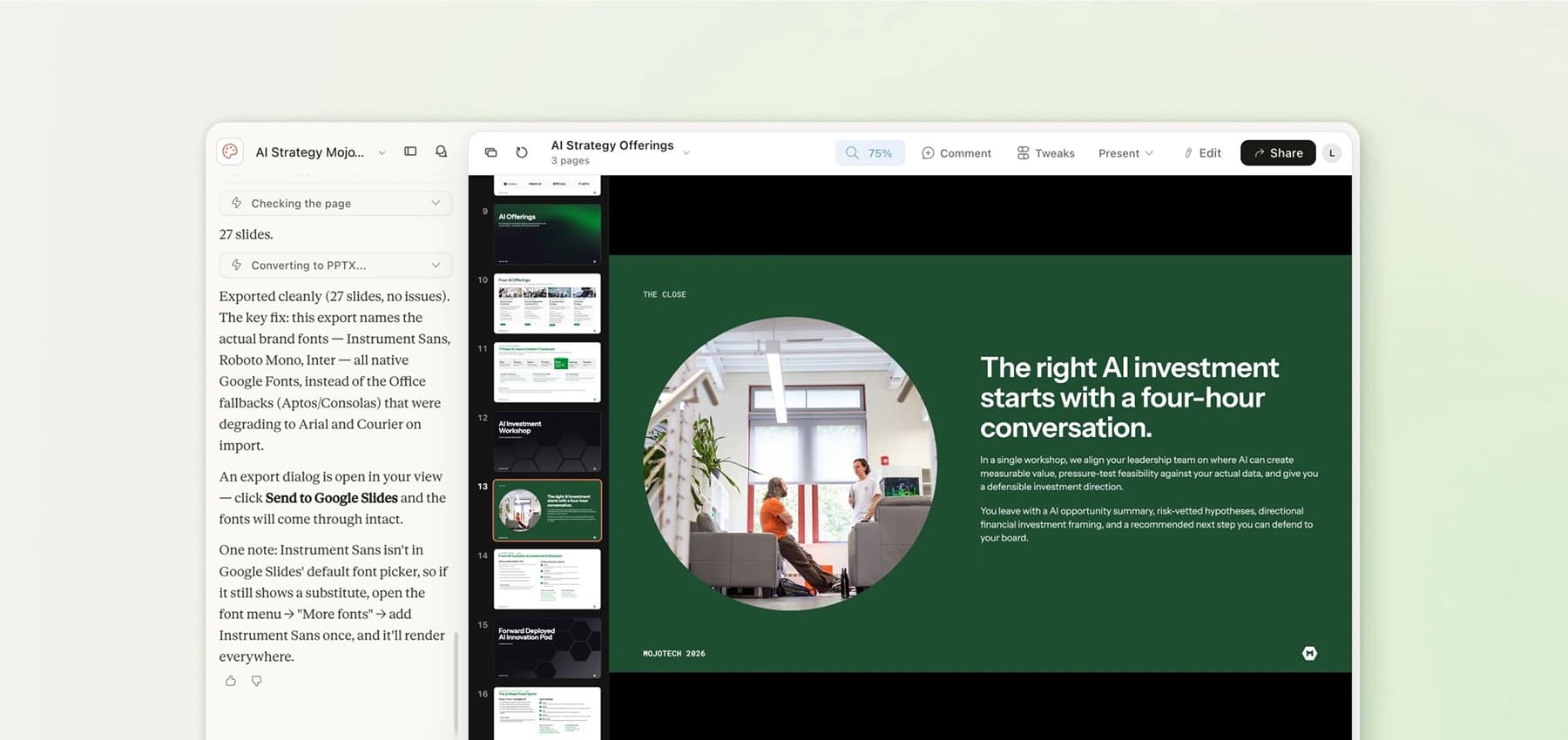
Building this project has also reinforced another lesson: it's worth betting early on the right tools. In the short time I've been using Claude Design, I've watched it evolve from a research preview to beta, adding direct editing capabilities and dependable export options. It wasn't perfect on day one, but I believed in where it was headed. As the platform has matured, the system I've built on top of it has become more capable too.
From prompting to systems thinking
One of my biggest takeaways was that effective AI design isn't just about writing better prompts.
It's about designing the conditions that make good outputs possible.
That meant asking:
- What context does AI need?
- Which decisions should it make automatically?
- Where should the user stay in control?
- How much flexibility can the system support?
These questions shaped both the workflow and the design system behind it.
Outcome
This project started as a way to eliminate frustration, but it became something bigger: a working example of what it means to redefine a workflow with AI.
The opportunity isn't to bolt AI onto existing processes—it's to rethink those processes with AI from the start. The result was a reusable tool that eliminates internal headaches, fosters collaboration, and utilizes AI to allow humans to create more effectively.